Core HR
201 File & Records
The 201 file is the single place a person exists. Every module on this page reads from it and writes back to it, so a change made once is a change made everywhere.
How it is used
Add someone once here and every other module can see them. Most fields other modules depend on — government IDs, salary, shift, hire date — live on the 201 file rather than in the module that uses them.
How it works, screen by screen
Every screen below is the real one, photographed from a working tenant, with the route it lives at so you can go straight to it.
- 01
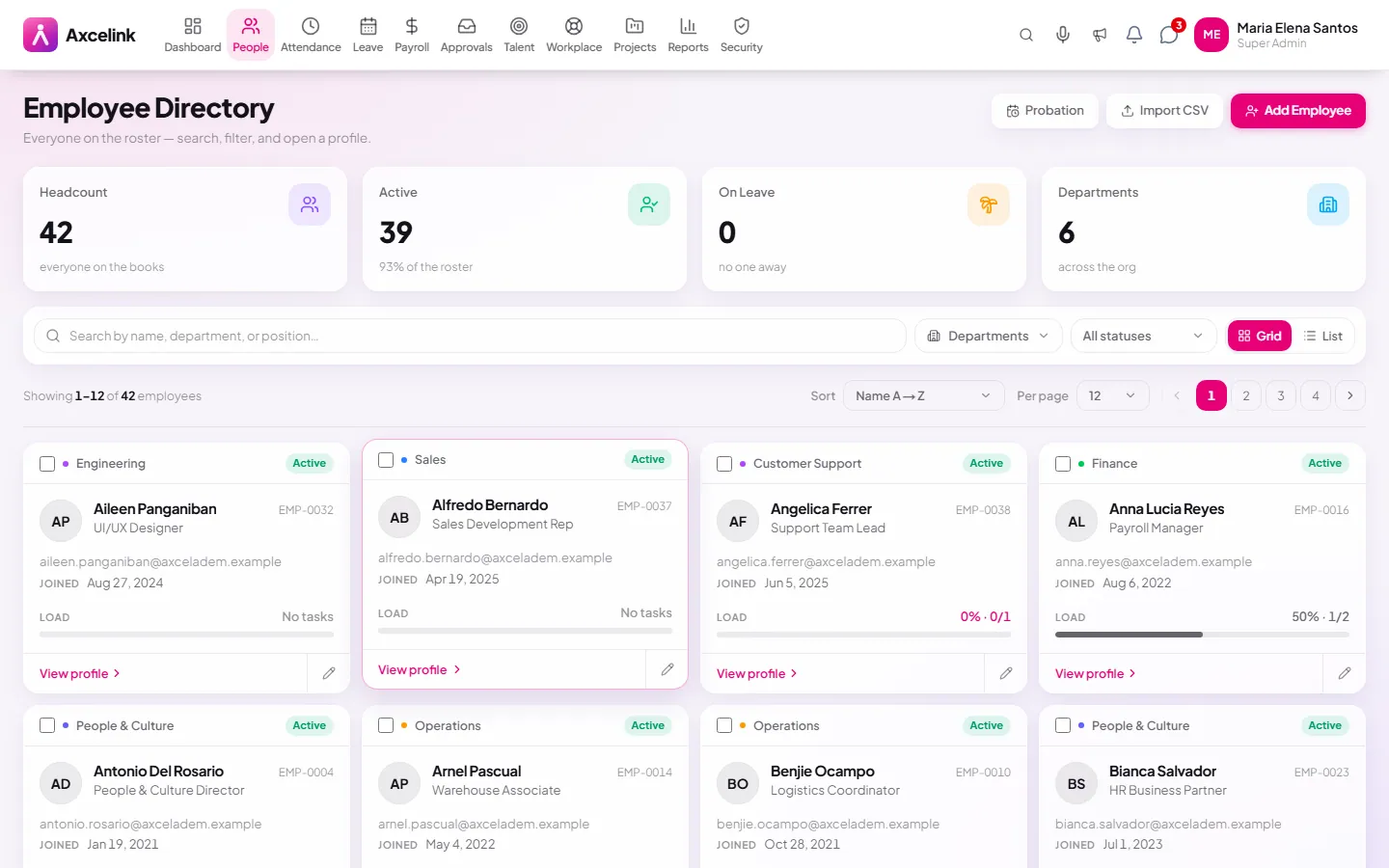
Find the person
/admin/employeesThe directory lists everyone with department, position and status, and holds the search and the saved views. The row you open is the 201 file itself, not a summary of it.
- 02
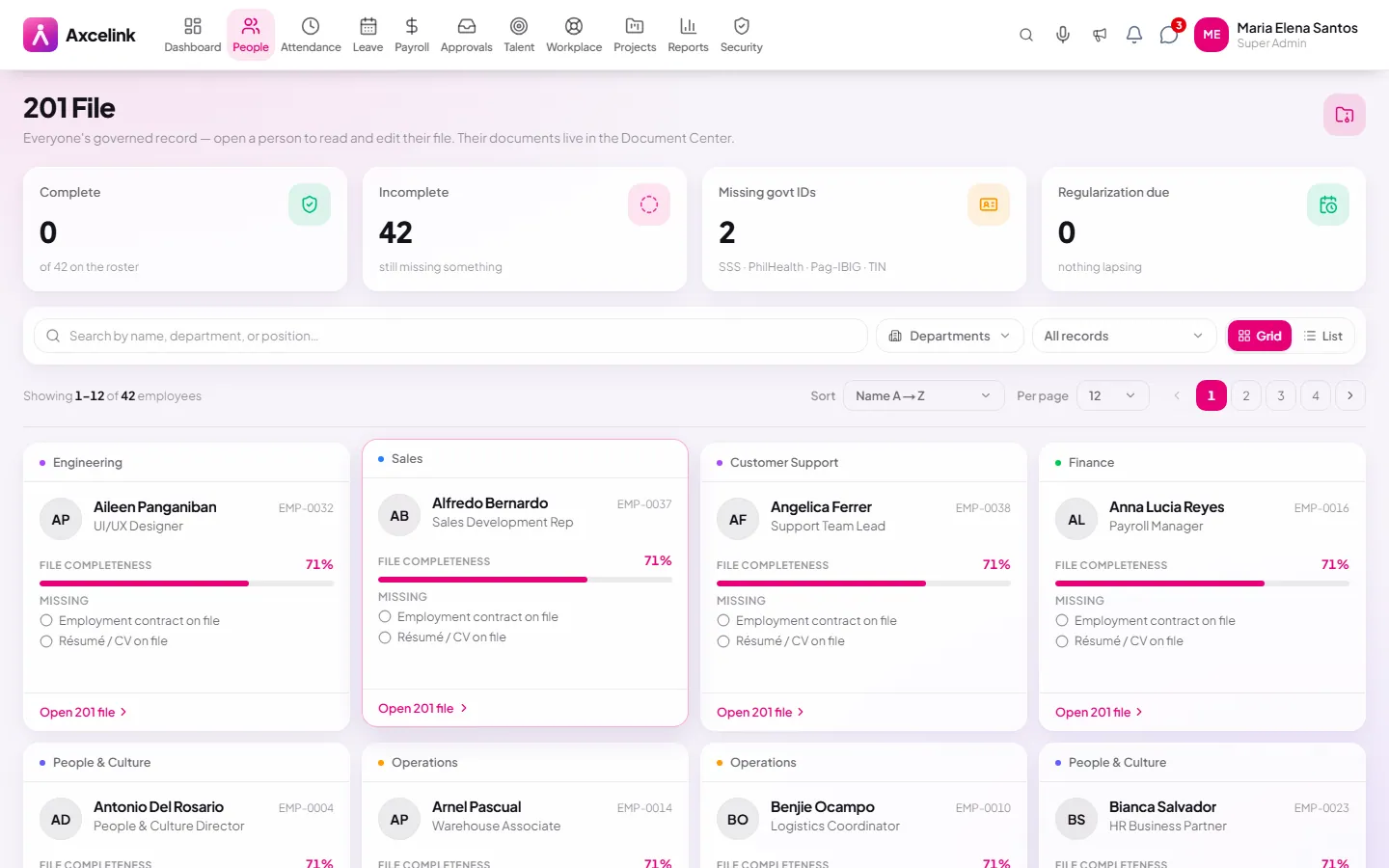
Open the 201 file
/admin/employees/201-filePersonal details, employment history and government IDs sit on one record. Payroll reads the compensation from here; the statutory reports read the SSS, PhilHealth, Pag-IBIG and TIN numbers from the same tabs.
- 03
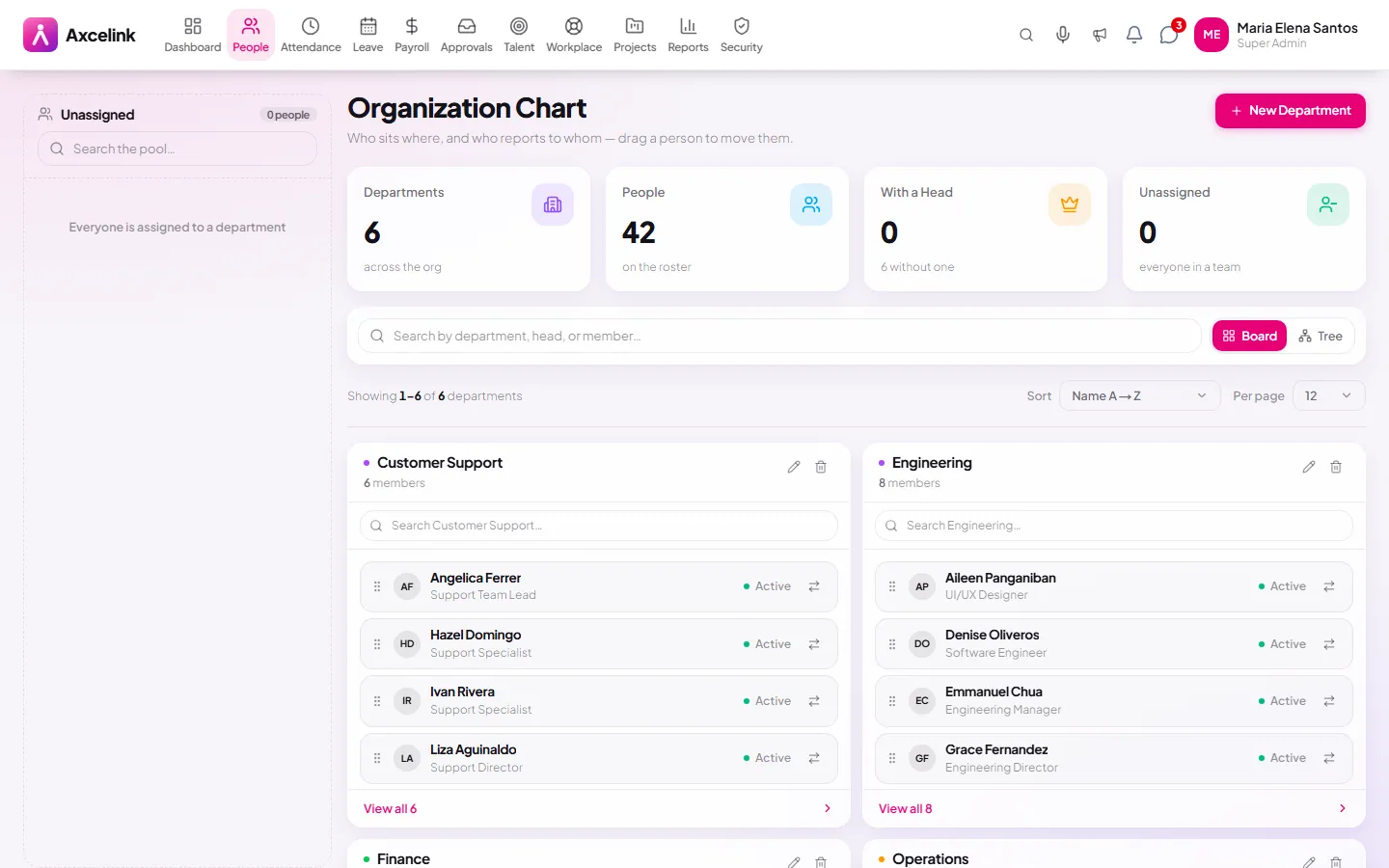
Reporting lines draw the chart
/admin/employees/org-chartThe org chart is not maintained separately. It is drawn from the manager named on each 201 file, which is why a movement changes the chart and an out-of-date chart means an out-of-date record.
What it does
- Complete 201 file — personal, employment, government IDs, dependants
- Employee directory with search, filters and saved views
- Departments and a live org chart built from reporting lines
- Employment history: movements, regularisation, salary changes
- Document attachments with expiry tracking
- Employee numbers issued automatically and checked for collisions
Where to find it
Administrators
- /admin/employees
- /admin/employees/201-file
- /admin/employees/departments
- /admin/employees/org-chart
What staff see
- /employee/profile
- /employee/profile/employment
How it connects to the rest
Nothing below is an integration to switch on. These are the same records, read and written by more than one module.
Comes from
Feeds into
Looking for what this replaces and why it matters? See the 201 File & Records overview.